For tradespeople and small businesses
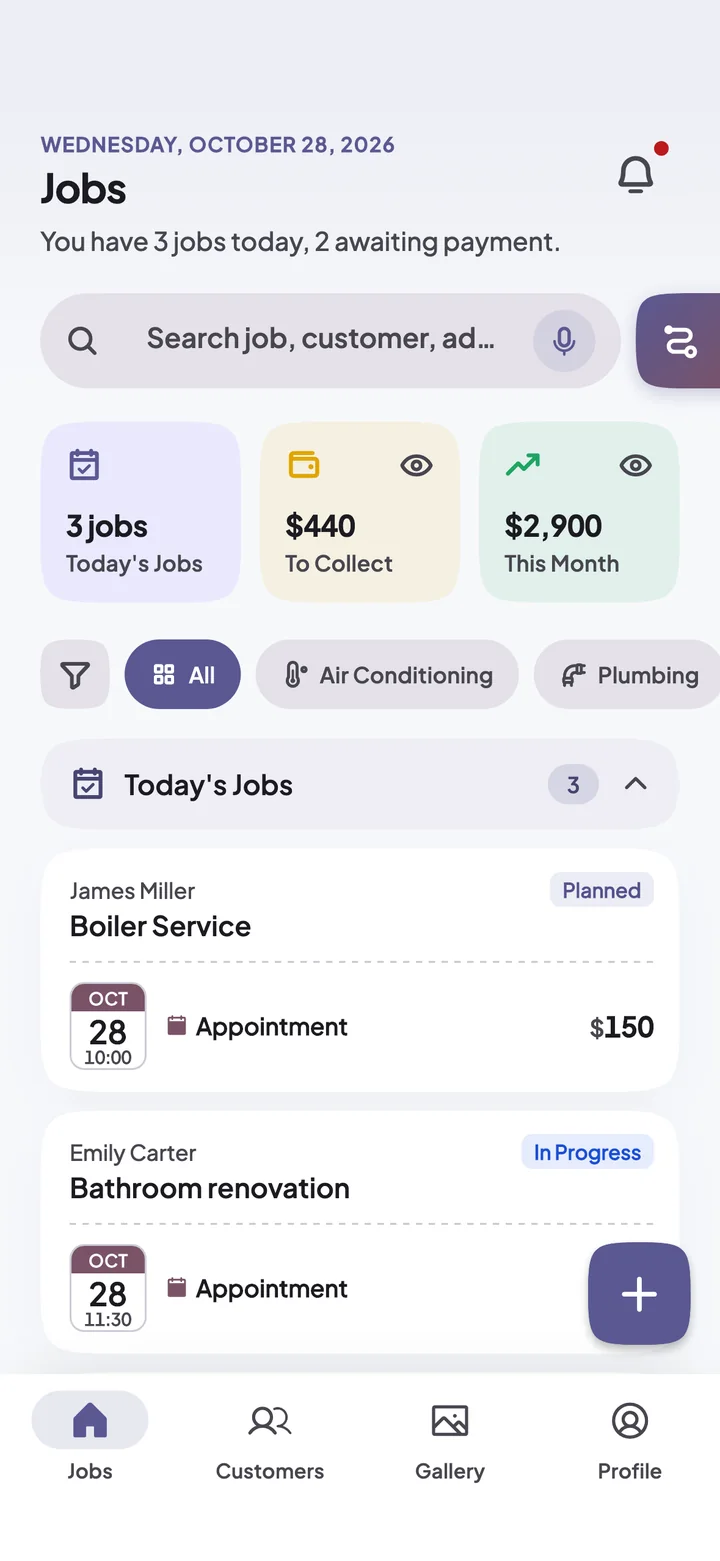
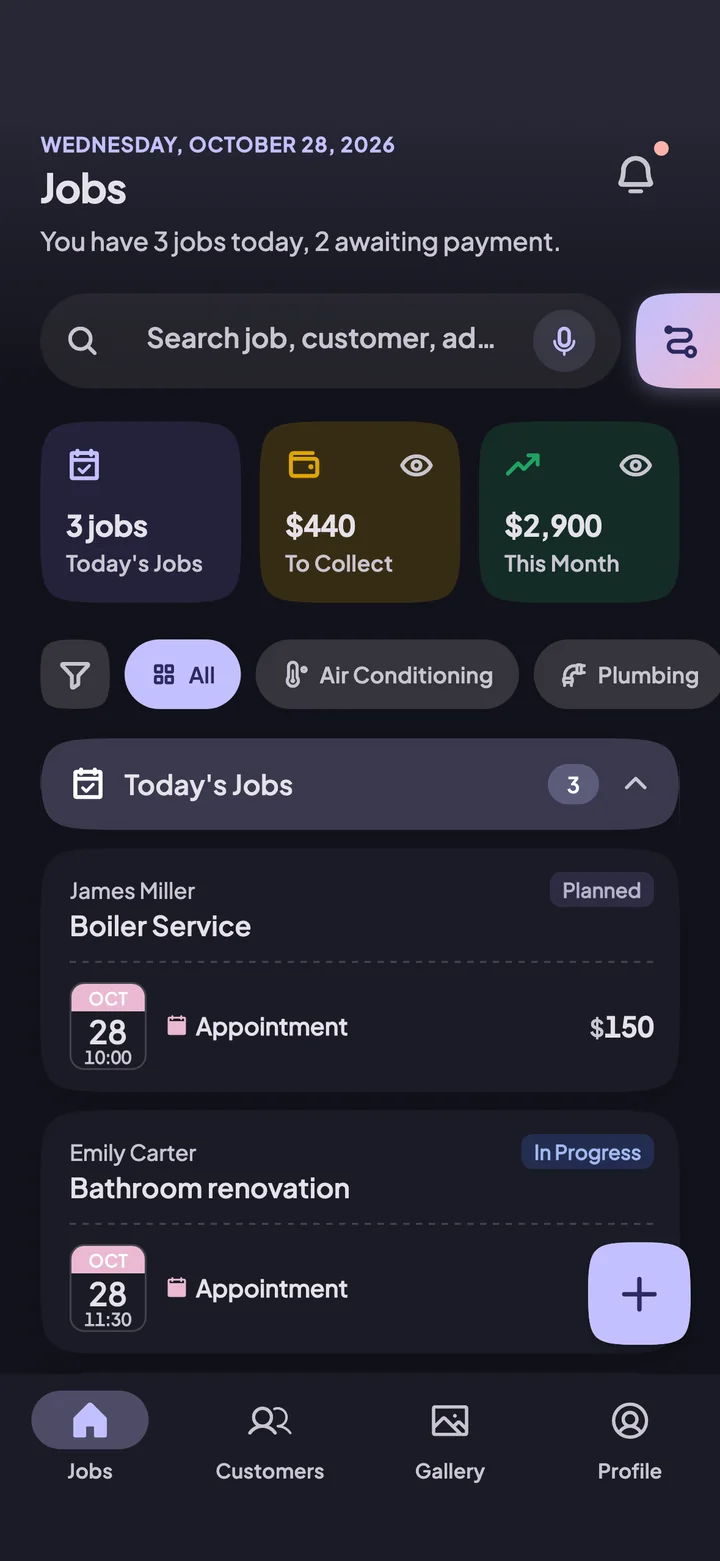
Log the job.Don't forget your earnings.
Customers, jobs, photos and payments in one place. VakitNakit reminds you who still owes you and which maintenance is due.
- Start free
- Your records stay even if you change phones
- 36 languages
- Air Conditioning
- Boiler/Gas
- Electrical
- Plumbing
- Major Appliance Service
- Painting
- Elevators
- Tiling
- Security Systems
- Construction/Renovation
- Water Filtration Systems
- Roofing
- Glazing/Frames
- Carpentry
- Insulation
- Cleaning
- Locksmith
- Landscaping
- Removals
- Solar Energy Systems
and for many more trades
Your day, from morning to evening
- Pro
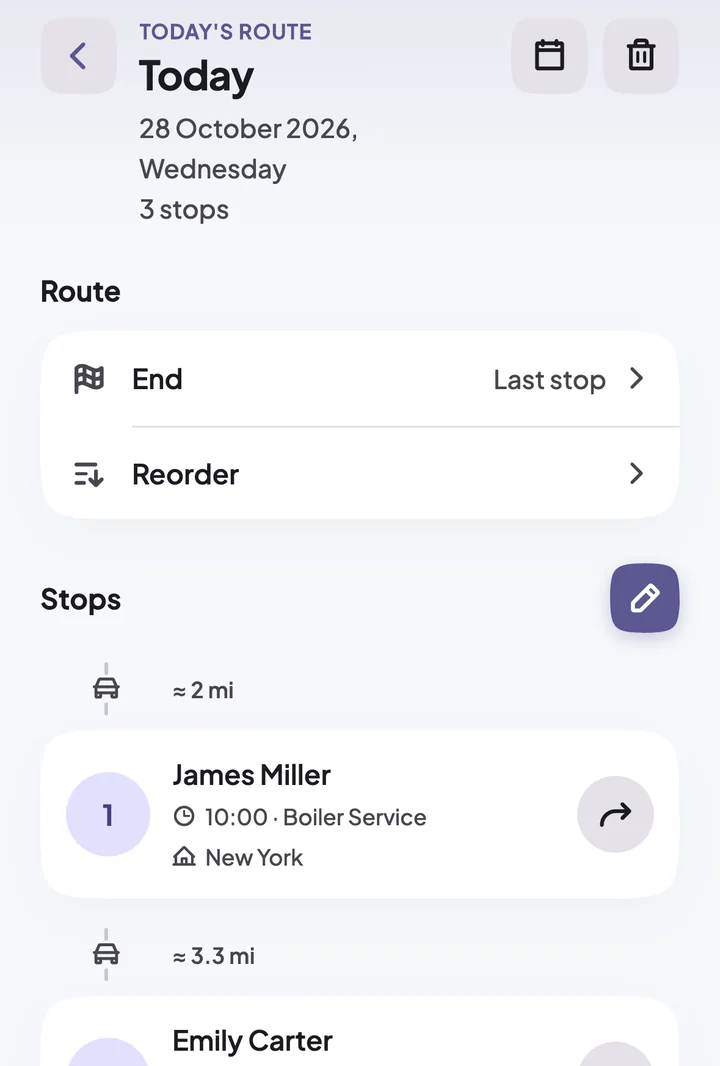
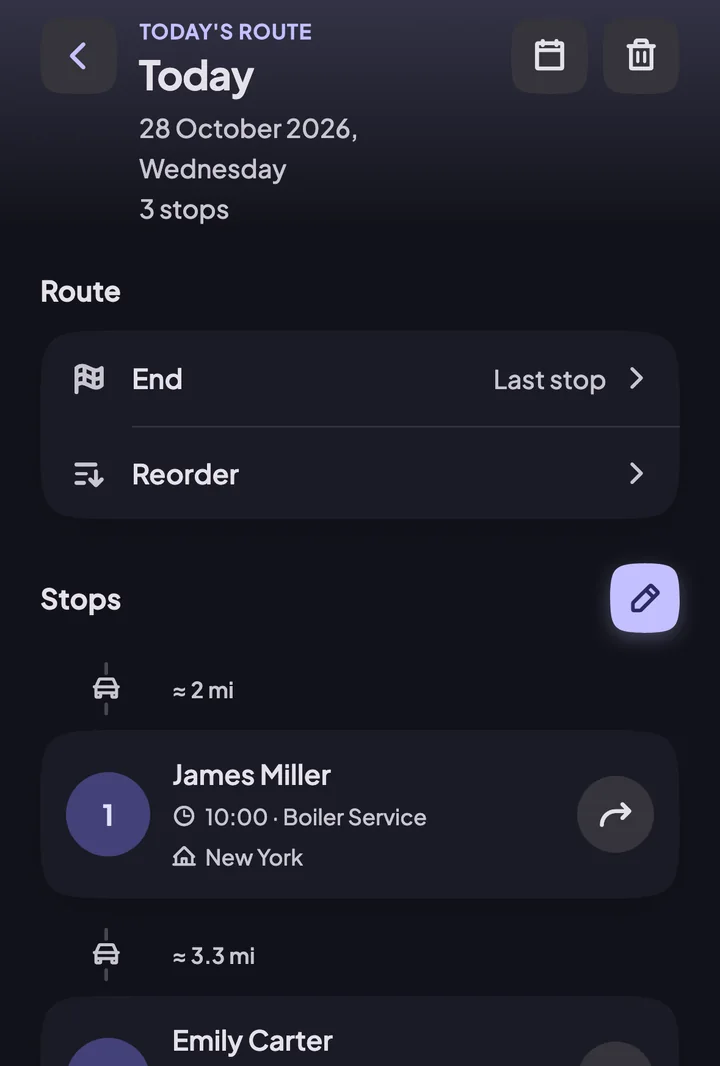
Start the day with a route
Put today's jobs in order, see the distance between them, and open the route in navigation with one tap.
Log the job, take the photos
Before and after photos stay with the job. When a customer asks months later, what you did is right at hand. No signal? Keep writing; it saves itself once you're back online.
BeforeAfterQuote on the spot, track the answer
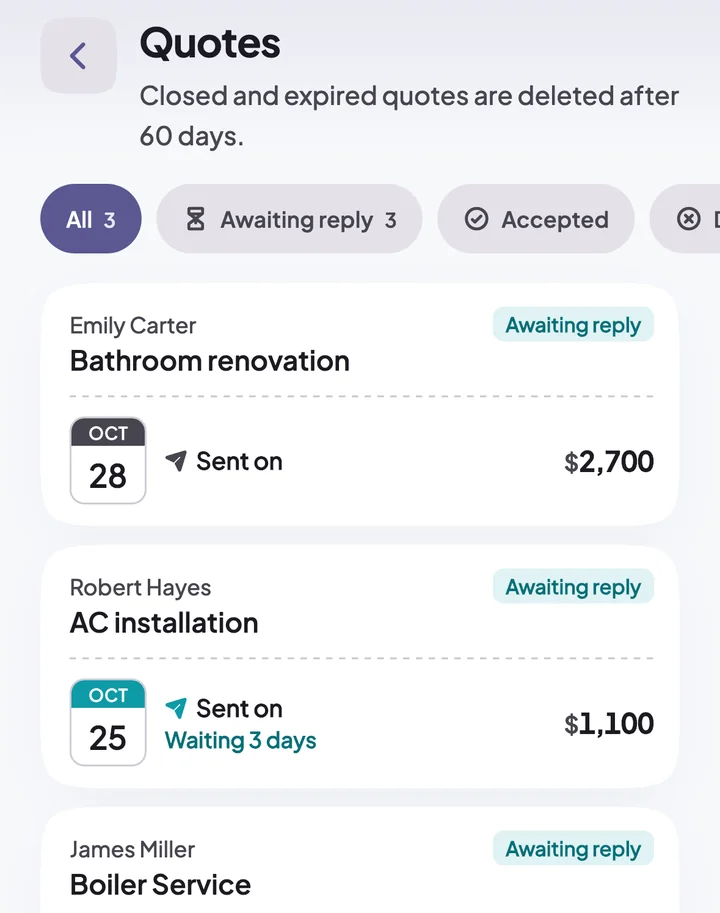
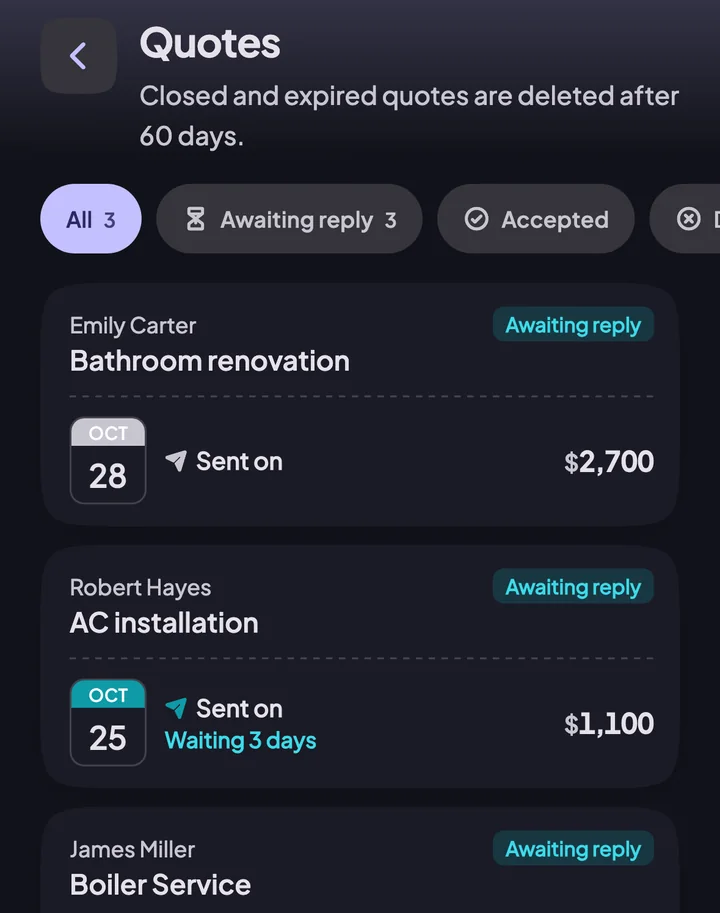
Prepare your quote and share it with the customer. If there's no answer, you get a reminder on day 3 and day 7; an accepted quote becomes a job in one tap.
- Pro
Send it to the customer in one link
Share the job's photos as a link. The customer opens it on their phone without installing the app.
Hi Emily, here are the photos of the job.
- Pro
Don't miss the customer next door
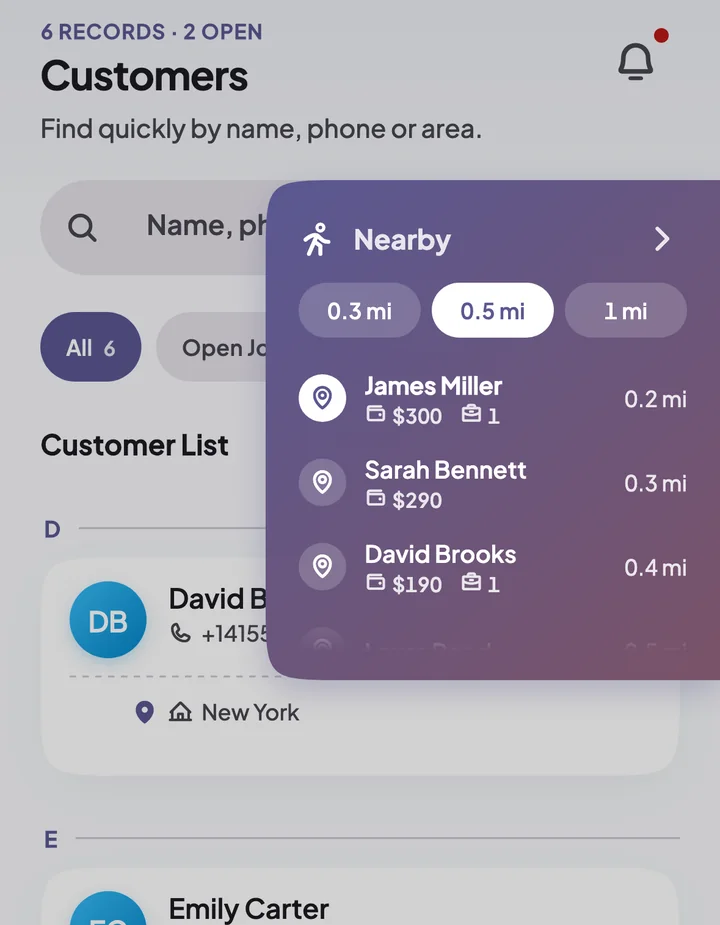
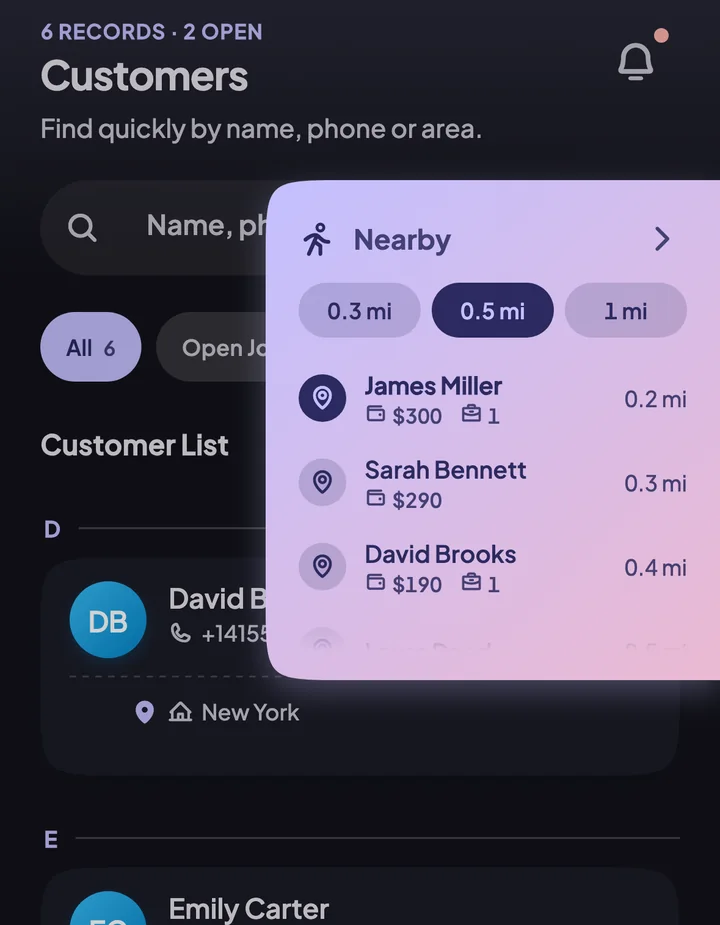
Finished early? See the customers within walking distance: who owes you, who has an open job. Drop by and collect.
Don't forget your earnings
You get a notification on the day and time a payment is due. Your home screen shows who still owes you.
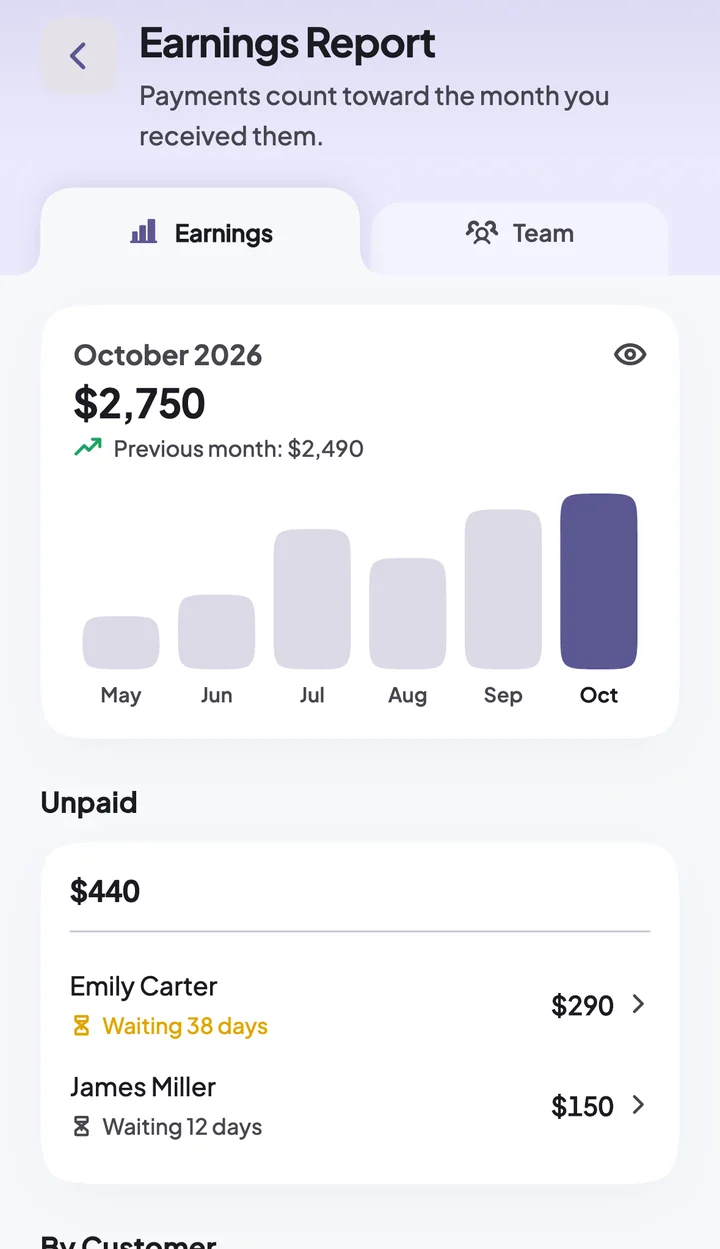
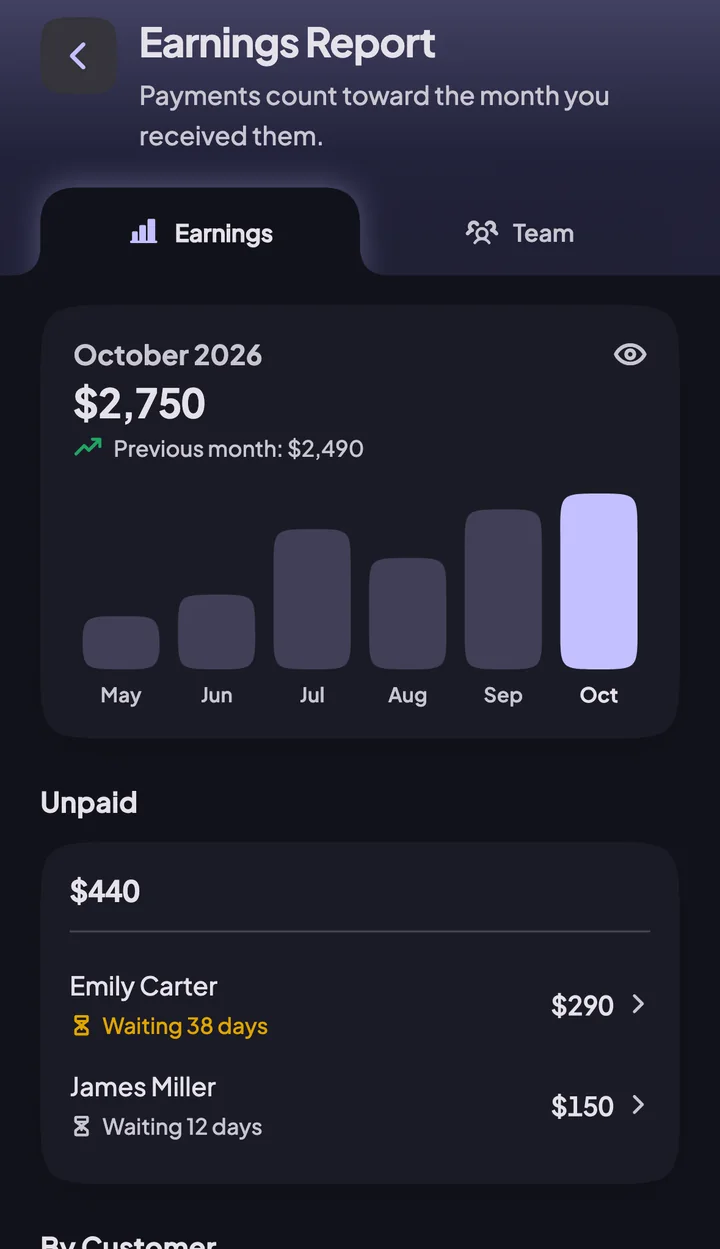
See how the month went
What you collected this month and who still owes how much, all on one screen.
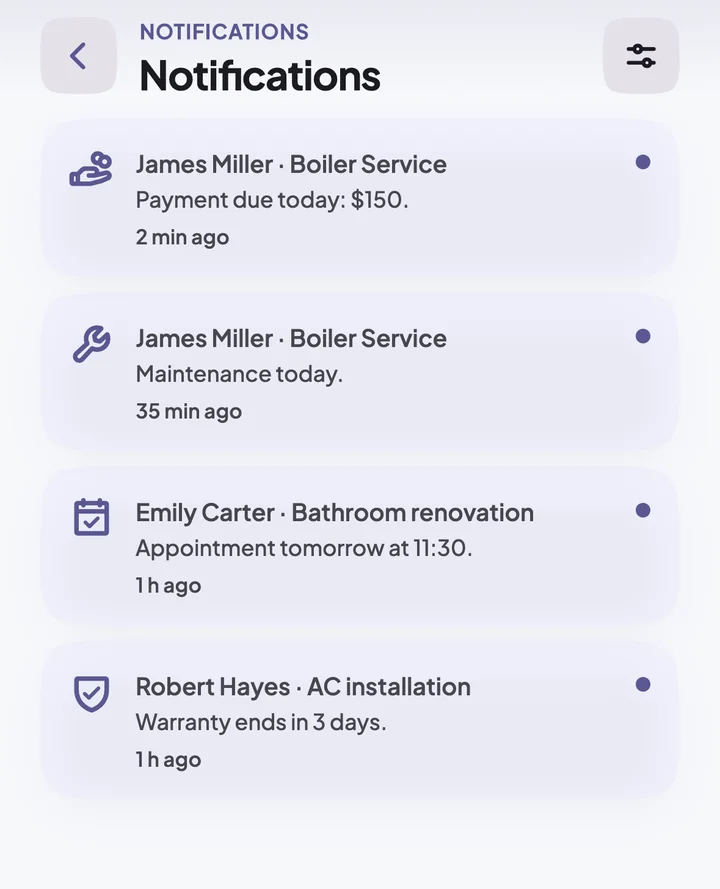
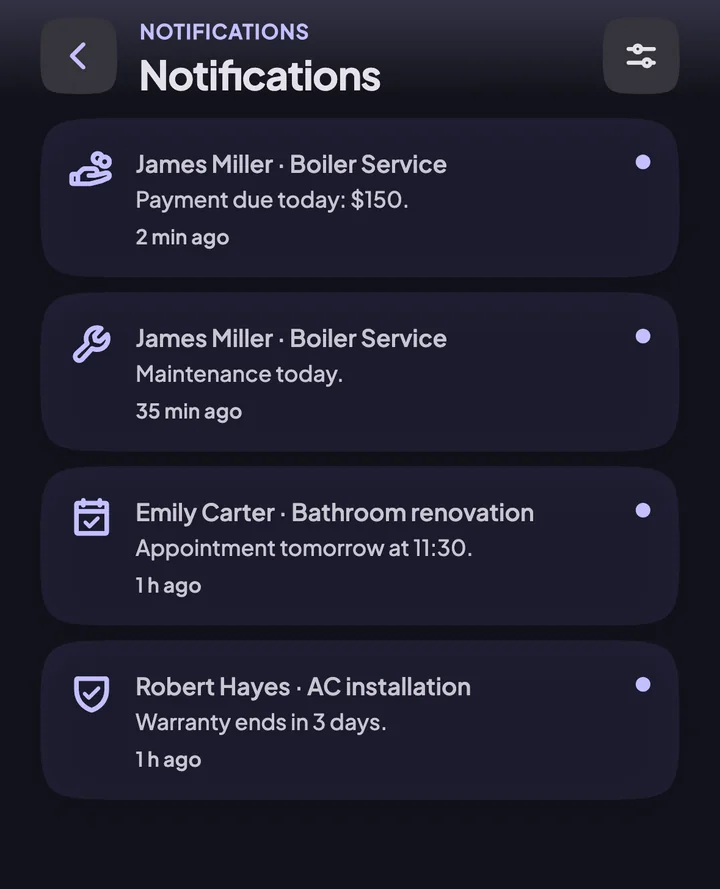
Reminds you when maintenance or warranty is due
You get a notification when maintenance or a warranty is due. You call the customer, and the job comes back to you.
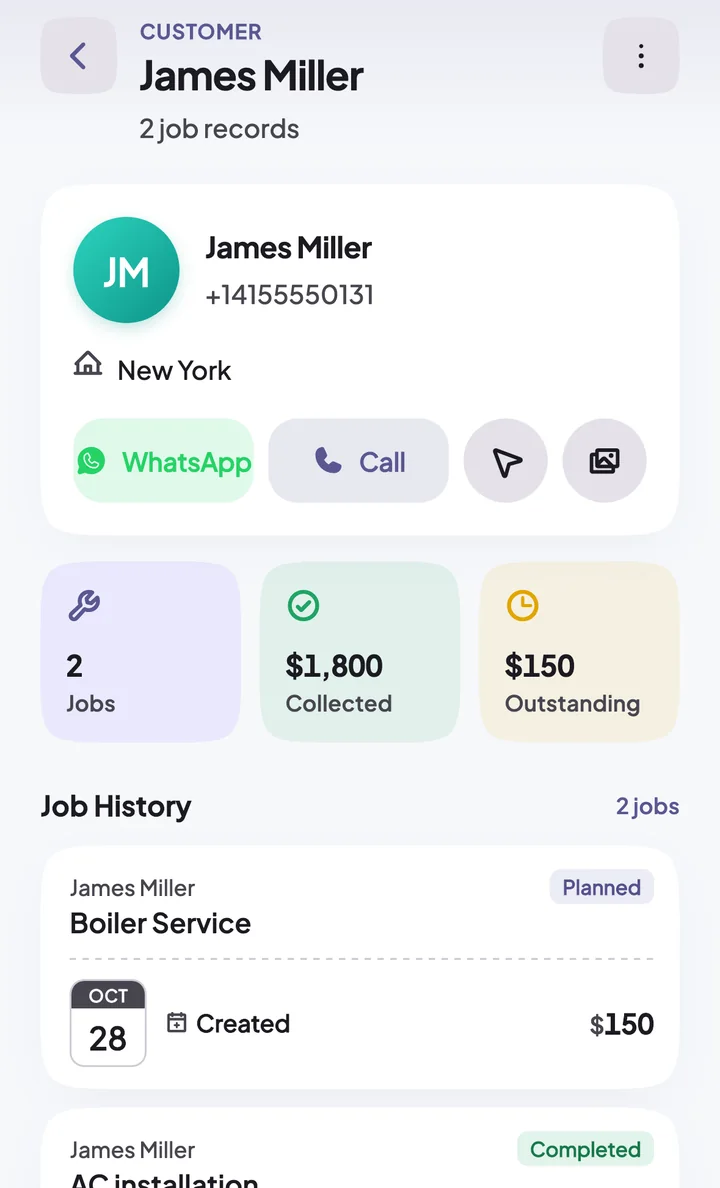
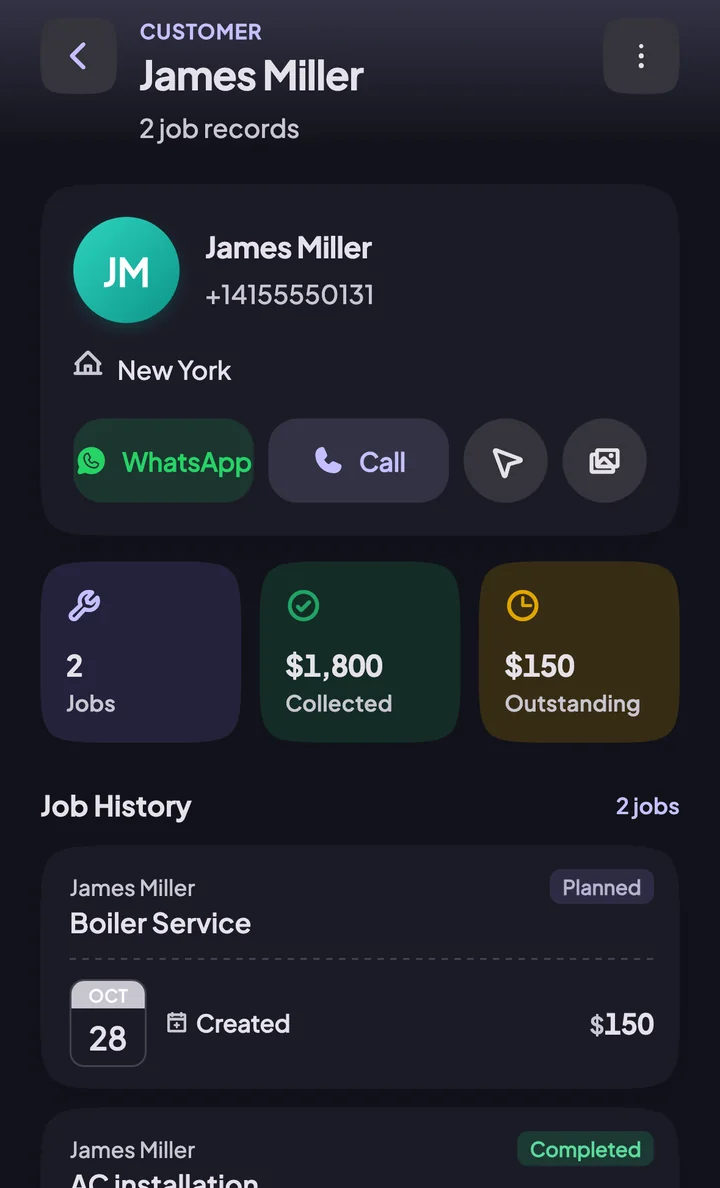
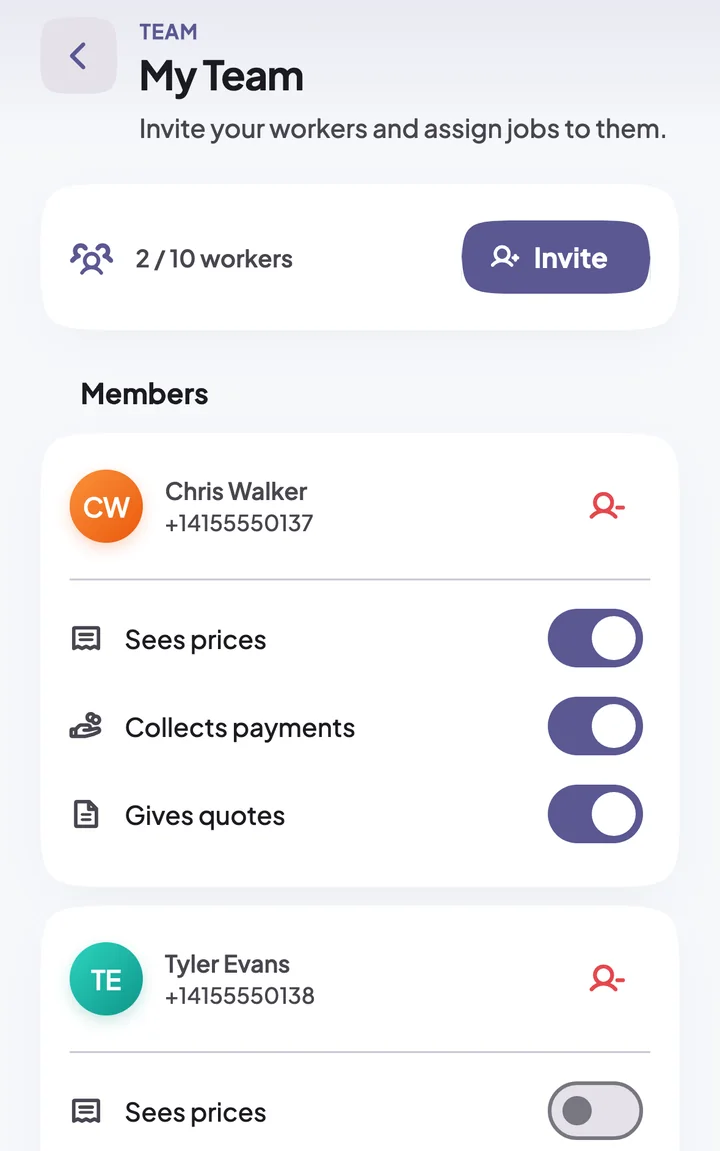
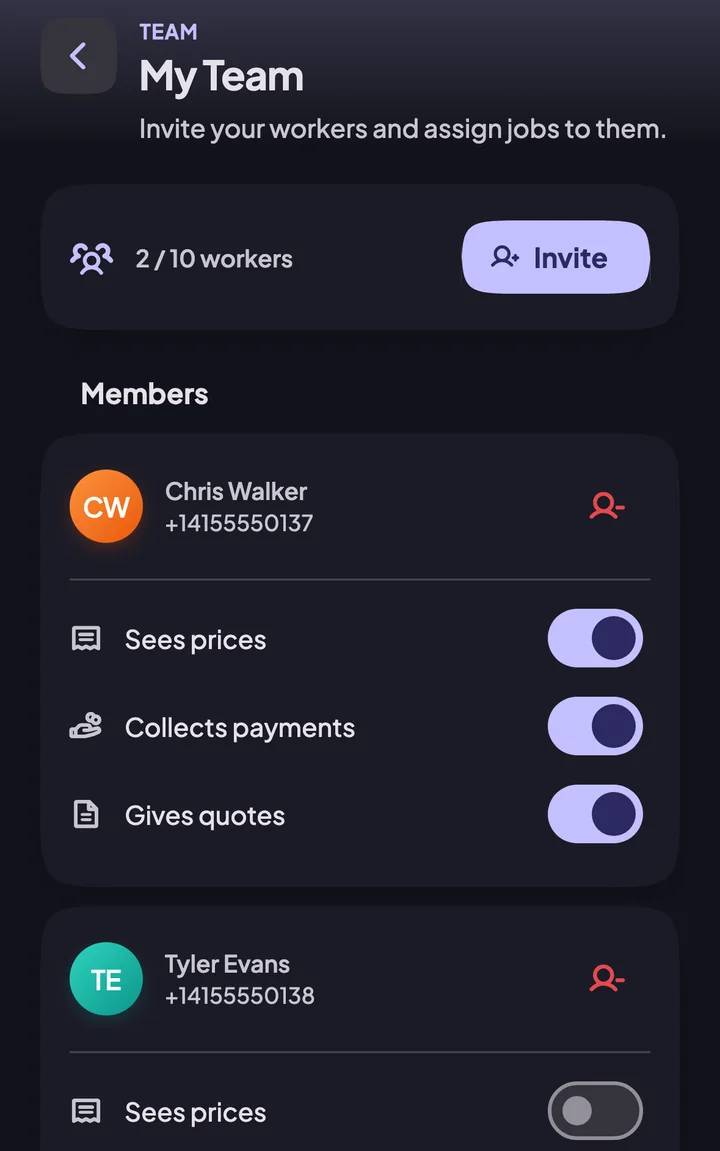
When the work grows, add your team
Add your workers and assign jobs to them — all under one business.
Start free, upgrade as you grow
Prices vary by country; you'll see the current price in your own currency in the app and the store.
Free Plan
For trying it out and a handful of jobs
- 10 customers
- 20 open jobs at a time
- 5 photos per job
Pro
For those working solo
- Unlimited customer records
- Unlimited open job tracking
- A lot more photos per job
- Add video to your jobs
- Customer portal — share the job record on WhatsApp
- Today's Route — open the day's visits in your navigation app
- Unlimited quotes — give a price, track the answer
- Earnings report — last 6 months and breakdown
Team Pro
For businesses with workers
- Team Pro includes everything in Pro too.
- Invite up to 10 workers
- Assign jobs to your workers
- Each worker only sees their own jobs
- Team report — see who brings in what
- Worker permissions — you decide who sees prices and who collects
- Worker cash — see who is holding how much and collect it
- Weekly team summary — the week in one notification
The subscription renews through your store account; you can cancel any time from your store settings.
Frequently asked questions
Will my records be deleted if my subscription ends?
All your records are kept. On the free plan you can't add new records while above the 10 customer and 20 open job limits.
What happens to my workers if Team Pro ends?
All your records are kept. Until you renew, your team members can only view records.
How do I cancel my subscription?
The subscription renews through your store account; you can cancel any time from your store settings.
Why isn't the price shown here?
Prices vary by country; you'll see the current price in your own currency in the app and the store.
Does my customer need to install the app too?
No. They open the link you share in their phone's browser. Link sharing is a Pro feature.
How does my worker join the team?
Share the link with your employee; tapping it joins them to your team. The invite is valid for 7 days and can be used once.
What happens where there is no signal?
Your records stay on screen and you can keep adding jobs and customers. Once you're back online, everything is saved automatically.
Day's done
4 jobs, 3 payments. All on record.
Whose job is tomorrow, who still owes you: it's all there when you open the app in the morning.